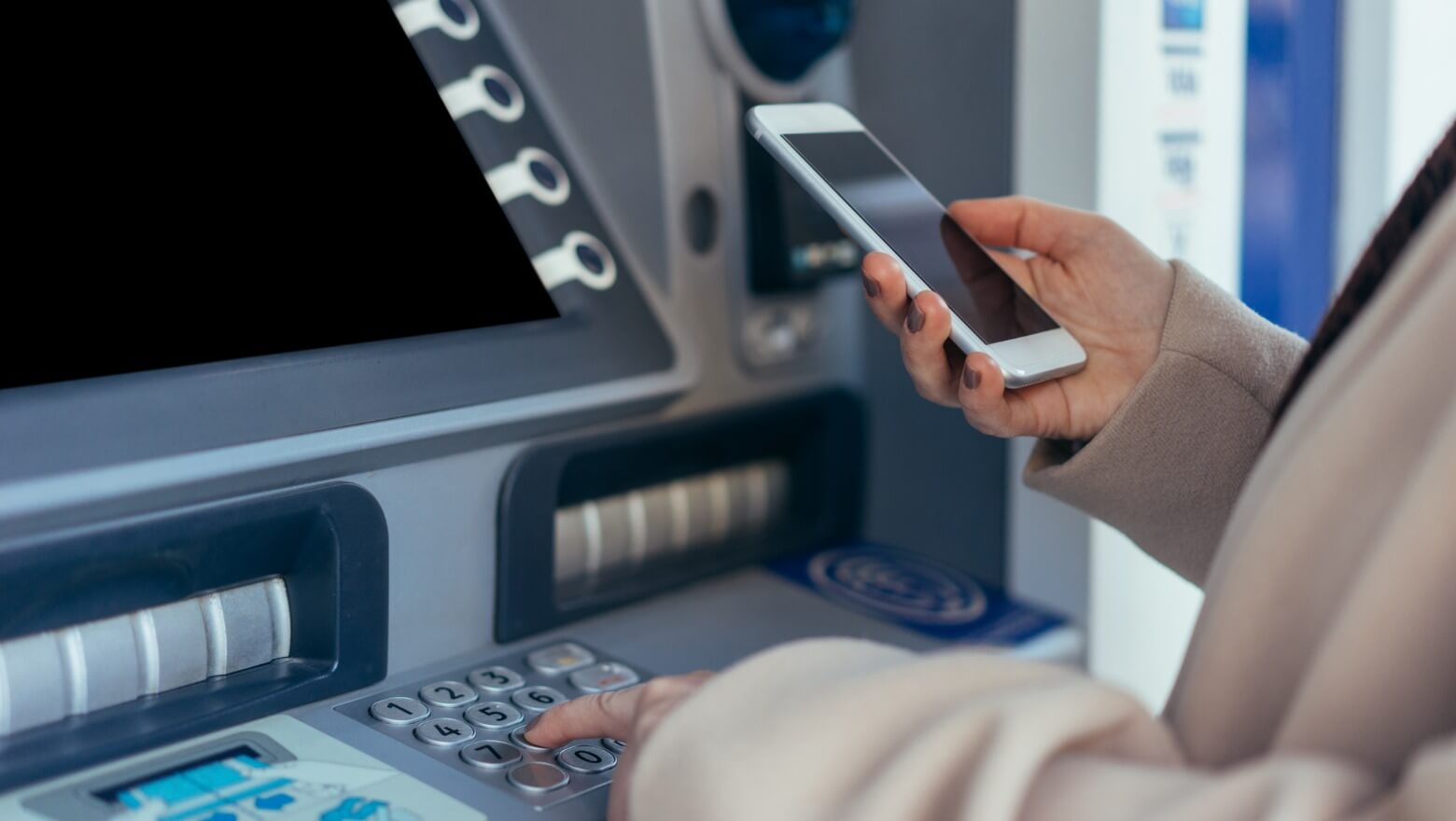
Modern cardless ATMs let you tap your phone or scan a secure code to get cash, even if you forgot your wallet. Whether you use Apple Pay, Google Wallet, Samsung Pay, or your bank’s app, this guide shows you how to find cardless ATMs near you, how they work, and how to use them safely without surprise fees.
Need all nearby ATMs, including fee-free and 24-hour options? Visit our ATM Near Me guide for a full locator covering every major network and bank.
How Cardless ATMs Work (NFC vs QR Codes)
Cardless ATMs replace your physical card with a secure digital handshake. Using NFC (Near Field Communication) or a temporary QR code, you connect your phone wallet or banking app to the ATM to start the withdrawal. In most cases, your card number never passes through the machine.
- Open your bank’s app and select “Cardless ATM,” “Contactless Withdrawal,” or a similar option.
- Authenticate with Face ID, fingerprint, or your app login.
- Tap or scan at the ATM using the contactless logo (NFC) or on-screen QR code.
- Choose your amount and confirm the withdrawal on the machine or in the app.
| Feature | Cardless ATMs | Traditional ATMs |
|---|---|---|
| Access method | Tap phone or scan app code | Insert physical card |
| Security | Tokenized and encrypted | Magstripe or chip data |
| Speed | Fewer steps once set up | Multi-screen card and PIN process |
| Wallet support | Apple Pay, Google Wallet, Samsung Pay (varies by bank) | Debit and credit cards only |
| Availability | Expanding across major banks and networks | Available almost everywhere |
Which Banks Offer Cardless ATMs With Tap-To-Pay
Many large banks now support cardless or contactless withdrawals through their mobile apps and compatible wallets. Availability can vary by region, so always confirm details inside your bank’s app.
- Chase: Many Chase ATMs allow you to tap your phone via Apple Pay, Google Wallet, or Samsung Pay at machines that show the contactless symbol.
- Bank of America: Supports cardless withdrawals using a secure code generated in the Bank of America mobile app at participating ATMs.
- Wells Fargo: Offers tap-to-withdraw and one-time access codes through the Wells Fargo Mobile app at labeled ATMs.
- Capital One: Supports contactless withdrawals at many newer Capital One ATMs and selected partner locations.
- Other banks and credit unions: Networks such as U.S. Bank, Truist, and Navy Federal are expanding support. Look for the contactless wave symbol or cardless messaging on the ATM screen or door.
Cardless ATMs At Walgreens, CVS And Other Retail Stores
Walgreens, CVS, Target, and other big-box retailers host thousands of Allpoint and MoneyPass ATMs. Many of these machines already support tap-based access for eligible bank cards and wallets. If the ATM shows a contactless symbol near the card reader or on the welcome screen, you may be able to tap your phone instead of inserting a card.
To avoid fees at retail ATMs, see our guide on avoiding ATM surcharges at Walgreens and CVS and always check the on-screen fee disclosure before you confirm a withdrawal.
Apps And Cards That Support Cardless ATM Withdrawals
In addition to traditional bank apps, several popular payment apps and debit cards work at cardless ATMs when they are linked to a supported network.
- Cash App: Can work at tap-enabled ATMs once your Cash App card is added to Apple Pay, Google Wallet, or another supported wallet.
- Venmo Debit Card: Functions like a Mastercard debit card at compatible, contactless-enabled ATMs.
- True Link Card: Offers fee-free access at all Allpoint ATMs nationwide, including many cardless or contactless machines.
How To Find A Cardless Or Tap-Enabled ATM Near You
Finding a tap-enabled or cardless ATM is similar to finding any other machine, but filters and keywords can speed things up.
- Use your bank’s locator: Open your bank’s app or website and filter for “cardless,” “contactless,” or “tap-to-pay” ATMs if those options are available.
- Search in Google Maps or Apple Maps: Try phrases like “cardless ATM near me”, “tap ATM with Apple Pay”, or “contactless ATM open now” and then confirm features in your bank’s app.
- Use network locators: Check our guides to Allpoint, MoneyPass, and surcharge-free ATMs near you to find compatible networks.
Security And Safety Benefits Of Cardless ATMs
Cardless withdrawals use one-time, encrypted tokens instead of your actual card number. This makes it much harder for fraudsters to steal your data with skimmers or fake readers. Even if someone captured the token, it would be useless once the single transaction is complete.
Before your next withdrawal, review our guides on avoiding ATM skimming and ATM phone safety tips so you can combine cardless technology with smart habits at the machine.
Fees, Limits And Money-Saving Tips
- Limits: Cardless ATM withdrawals are usually subject to the same daily limits as card-based withdrawals. If you need more cash for a one-time expense, consider a request from your bank to increase your ATM withdrawal limit.
- Fees: Going cardless does not automatically remove ATM fees. To reduce costs, use your bank’s in-network ATMs or compare nearby options with our guide to fee-free ATMs near you.
- Networks: Allpoint and MoneyPass are widely used by banks and prepaid cards. Many of their machines now support contactless taps and cardless codes.
- Confirm on-screen fees: Always read the fee screen before you tap “Withdraw.” If the surcharge looks high, cancel and find another machine.
FAQs About Cardless ATMs
Who has the best cardless ATMs near me?
Many large banks now offer strong cardless ATM options. Chase, Wells Fargo, and Bank of America are among the most widely recognized for tap-to-cash and code-based withdrawals in many areas, but availability still depends on your location and account type.
Can I withdraw money without my debit card?
Yes. If your bank supports cardless withdrawals, you can use its mobile app or a compatible wallet to initiate the transaction and tap or scan at the ATM instead of inserting a physical card.
Are cardless ATMs open 24 hours?
Many drive-up and lobby ATMs with NFC readers are available 24 hours a day, but some indoor machines follow store or branch hours. Always check posted hours in your bank’s locator.
Can I deposit cash without a card?
Some banks allow you to complete deposits using their mobile app and a cardless-enabled ATM, but this feature is not universal. Check your bank’s ATM locator or app to see if cardless deposits are supported at specific machines.
Are cardless ATMs safe?
Yes. Cardless withdrawals use tokenized, encrypted data and can be more secure than magstripe transactions. You still need to protect your phone, use a strong screen lock, and stay aware of your surroundings at the ATM.
Related Guides And Next Steps
Use these guides to get even more from contactless and fee-free ATM options near you:
- Contactless ATMs Explained
- Allpoint Vs MoneyPass Comparison
- Fee-Free ATMs Near You
- ATM Withdrawal Limits By Bank
- ATM Near Me Hub (Full Locator)
Bookmark this page so you can quickly find cardless ATMs near you that work with your phone and wallet apps for secure, fast, and convenient cash access.