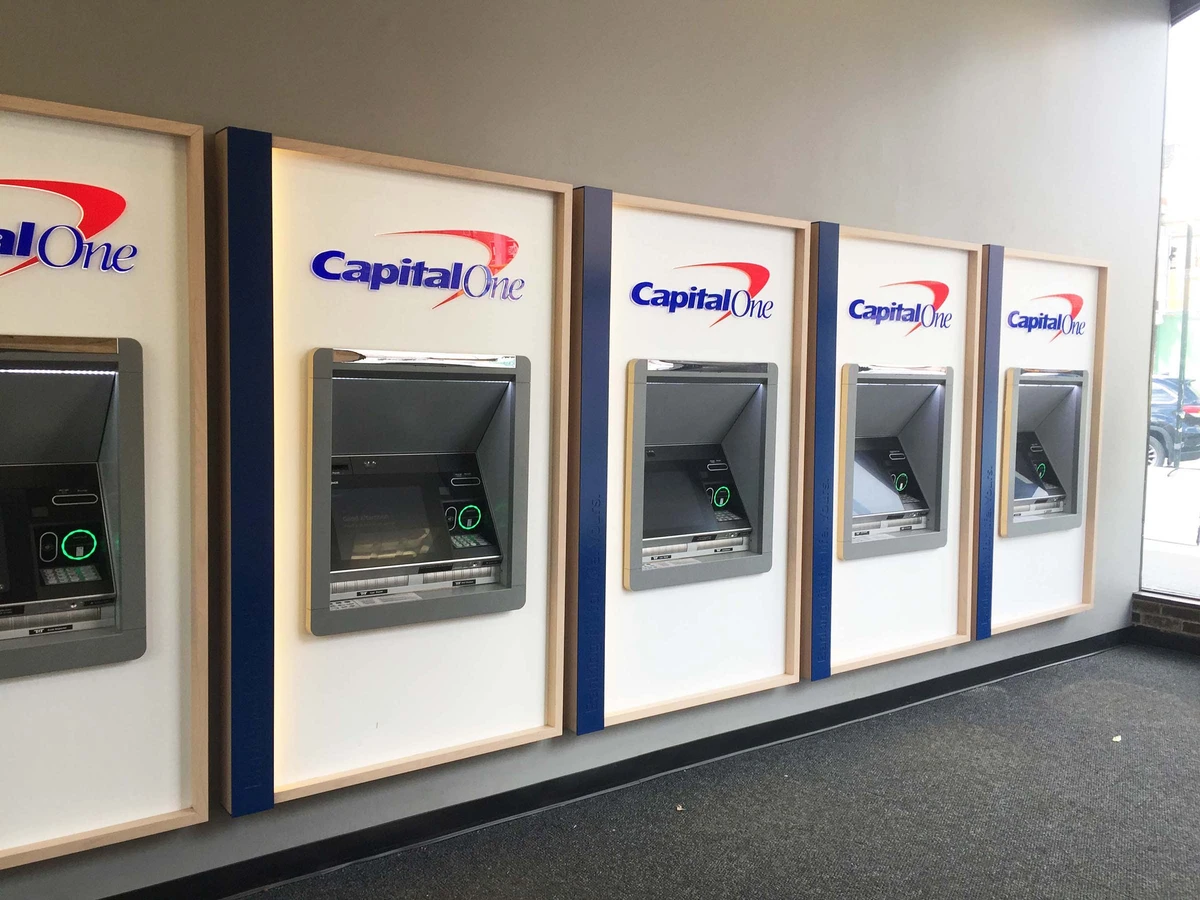
If you have a Capital One debit or credit card, you can access cash through a large network of ATMs across the United States. Capital One customers benefit from surcharge-free withdrawals at thousands of machines, including Capital One and partner network ATMs.
Capital One customers can use Capital One ATMs and the Allpoint network to withdraw cash without paying ATM operator fees. Understanding where you can withdraw money, how deposit features work, and how limits apply will help you avoid unnecessary charges.
Quick Answer
- Capital One customers can use Capital One ATMs and Allpoint ATMs without surcharges
- The Allpoint network includes more than 55,000 ATMs nationwide
- Typical Capital One ATM withdrawal limits range from $500 to $1,000 per day
- Many Capital One ATMs support cash and check deposits
- Cardless withdrawals are available through the Capital One mobile app
Which ATMs Can Capital One Customers Use?
Capital One provides access to a large network of ATMs through its own machines and partner networks.
- Capital One ATMs located at branches and select retail locations
- Allpoint ATMs with more than 55,000 surcharge-free machines
- Out-of-network ATMs, which may charge additional fees
You can search nearby machines using the official Capital One ATM locator or explore our guide to Capital One ATMs near you.
If you want to understand how Allpoint compares to other ATM networks, see our guide to Allpoint vs MoneyPass.
Capital One ATM Withdrawal Limits
Daily ATM withdrawal limits vary depending on the type of account and debit card. Most Capital One debit cardholders can withdraw between $500 and $1,000 per day.
Factors that influence your withdrawal limit include:
- Your specific Capital One account type
- Security settings on your debit card
- Your recent banking activity
If you need to withdraw a larger amount of cash, you may be able to request a temporary increase through online banking or the Capital One mobile app.
To compare limits across banks, see our guide to ATM withdrawal limits by bank.
How to Deposit Money at Capital One ATMs
Many Capital One ATMs allow both cash and check deposits. Depositing funds is typically quick and convenient.
- Insert your debit card and enter your PIN
- Select the deposit option
- Insert cash or checks when prompted
- Confirm the transaction
You can also deposit checks using the Capital One mobile app through the mobile check deposit feature.
If you’re wondering whether deposits work at other banks’ machines, read our guide on using another bank’s ATM.
Using a Capital One Credit Card at an ATM
Capital One credit cards can be used at ATMs for cash advances, but this option should only be used in emergencies.
- Cash advances usually have higher interest rates
- Interest begins immediately with no grace period
- A cash advance fee (often about 3 percent) may apply
If possible, use a debit card instead to avoid these extra costs.
How Cardless Capital One ATM Withdrawals Work
Many Capital One ATMs allow you to withdraw money without inserting a physical debit card.
- Open the Capital One mobile banking app
- Generate a secure withdrawal code
- Enter or scan the code at a compatible ATM
Cardless withdrawals can reduce the risk of card skimming and allow faster ATM access.
Capital One ATM Fees Explained
Capital One customers typically pay no surcharge when using:
- Capital One branded ATMs
- Allpoint network ATMs
However, fees may apply when using ATMs outside these networks.
- Capital One may charge an out-of-network ATM fee
- The ATM operator may charge a surcharge
Learn more about how these charges work in our guide to why ATMs charge fees.
Capital One ATM Security Tips
- Use ATMs located inside banks or well-lit areas
- Cover the keypad when entering your PIN
- Review your transactions regularly
- Consider cardless ATM withdrawals when available
Frequently Asked Questions
Does Capital One charge ATM fees?
Capital One generally does not charge fees when you use Capital One or Allpoint ATMs. Fees may apply when using out-of-network machines.
Can I deposit cash at a Capital One ATM?
Yes, many Capital One ATMs accept cash and check deposits. Deposit capabilities depend on the specific machine.
What is the Capital One ATM withdrawal limit?
Most Capital One accounts allow daily ATM withdrawals between $500 and $1,000, although limits vary by account.
Can I use a Capital One card at any ATM?
Yes, but using out-of-network ATMs may result in additional fees.
Key Takeaway
Capital One provides broad ATM access through its own machines and the Allpoint network. By understanding withdrawal limits, deposit options, and which ATMs are fee-free, you can access your money conveniently while avoiding unnecessary charges.
