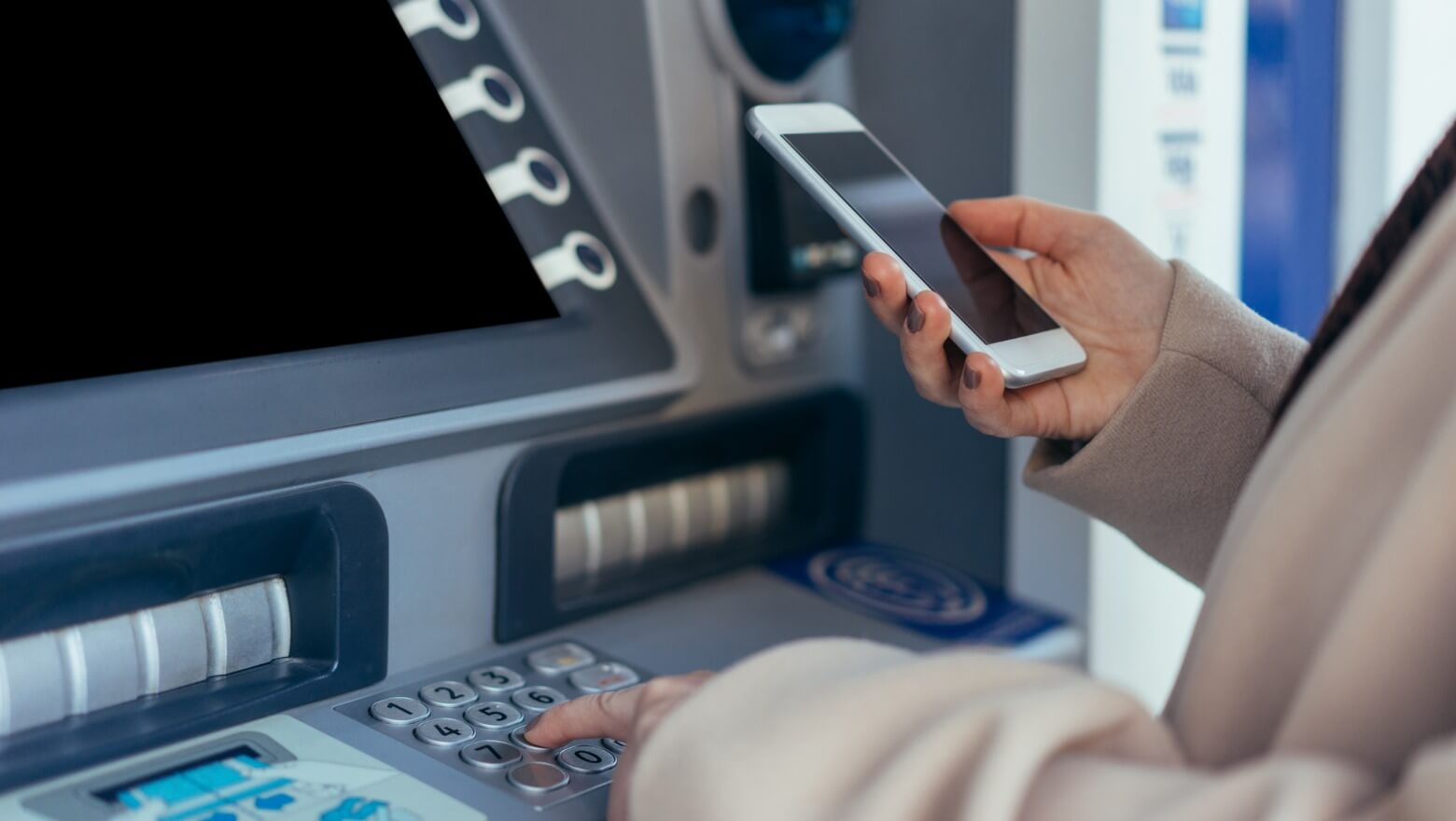
Quick answer: A cardless ATM lets you withdraw cash without inserting your debit card. Instead, you use your bank’s mobile app, a one-time ATM access code, or tap your phone using Apple Pay, Google Pay, or Samsung Pay at a contactless-enabled ATM. Most major banks now support cardless withdrawals at newer branch ATMs.
If you forgot your wallet, lost your debit card, or prefer mobile banking, cardless ATM withdrawals allow you to access cash securely using your phone. The most reliable option is usually a bank-owned ATM located directly at a branch.
What Is a Cardless ATM?
A cardless ATM allows you to withdraw cash without physically inserting your debit card into the machine. Instead of relying on the card chip or magnetic stripe, the ATM verifies your identity through your mobile banking app, a temporary access code, or contactless NFC technology.
Many banks now support cardless withdrawals as part of their mobile banking and fraud-prevention upgrades. In many cases, cardless ATM withdrawals are safer than traditional ATM transactions because your physical card never leaves your wallet.
Cardless vs Contactless ATMs: What’s the Difference?
These terms are often used interchangeably, but they work slightly differently.
| Cardless ATM | Contactless ATM | |
|---|---|---|
| How it works | One-time code or QR scan through your bank app | Tap your phone using NFC technology |
| What you need | Bank mobile app | Apple Pay, Google Pay, or Samsung Pay |
| ATM requirement | App-compatible ATM | ATM with NFC/tap reader |
| Best for | Forgotten debit card | Fast tap-and-go withdrawals |
All contactless ATMs are cardless, but not all cardless ATMs use NFC tap technology. This guide covers both methods.
Which Banks Support Cardless ATM Withdrawals?
Most major U.S. banks now support some form of cardless ATM access, though features vary by ATM location and machine upgrades.
| Bank | Cardless App Access | NFC Tap Support | How It Works |
|---|---|---|---|
| Chase | ✅ Yes | ✅ Yes | ATM Access Code in Chase Mobile app, or tap via Apple/Google Pay |
| Bank of America | ✅ Yes | ✅ Yes | ATM Access Code in BofA app, or NFC tap |
| Wells Fargo | ✅ Yes | ✅ Yes | Card-Free ATM Access in Wells Fargo app |
| Citi | ✅ Yes | ✅ Yes | One-time ATM code via Citi Mobile app |
| Capital One | ✅ Yes | ✅ Yes | 360 ATM contactless access via app or mobile wallet |
| U.S. Bank | ✅ Yes | ✅ Yes | Cardless ATM option in U.S. Bank app |
| TD Bank | ✅ Yes | ✅ Yes | Generate ATM Code in TD Bank app, or NFC tap |
| PNC | ✅ Yes | ⚠️ Select ATMs | Access code via PNC Mobile app |
| Truist | ✅ Yes | ⚠️ Select ATMs | Cardless access at supported Truist ATMs |
| Allpoint / Cardtronics | ❌ No | ✅ Yes (NFC only) | Tap via Apple Pay or Google Pay at NFC-enabled machines |
ATM features vary by location. Older machines and many third-party retail ATMs may still require a physical card.
How to Use a Cardless ATM
Method 1: Bank App Withdrawal Code
- Open your bank’s mobile app
- Find the cardless ATM or ATM access option
- Select your account and withdrawal amount
- Generate a temporary code or QR code
- At the ATM, choose “Cardless Withdrawal”
- Enter the code or scan the QR code
- Enter your PIN and withdraw cash
Most ATM access codes expire within 15–30 minutes for security reasons. Generate your code once you’re at the machine.
Method 2: Tap-to-Withdraw (NFC)
- Add your debit card to Apple Pay, Google Pay, or Samsung Pay
- Find a contactless ATM with the NFC/tap symbol
- Hold your phone near the reader (within 1–2 inches; remove thick cases if needed)
- Authenticate with Face ID, fingerprint, or phone PIN
- Enter your ATM PIN on the keypad
- Complete your withdrawal normally
This works similarly to tapping your phone at a contactless checkout terminal. Make sure NFC is enabled in your phone’s settings if the tap is not being recognized.
Why Some Cardless ATMs Still Require Your PIN
Even when using Apple Pay, Google Pay, or a one-time ATM code, many banks still require your debit card PIN at the ATM. This adds another layer of fraud protection and helps verify the withdrawal request against your bank account.
Most major U.S. banks still require PIN verification for ATM cash withdrawals, even when using mobile authentication or NFC tap technology.
Find a Cardless ATM Near You
If you need cash right now without your debit card, the fastest option is usually a major bank branch ATM with mobile banking support. Most standalone retail ATMs still require a physical card.
- Use your bank’s ATM locator inside the mobile app and filter for cardless or NFC-enabled machines
- Look for the contactless tap symbol (four curved lines) on the ATM face
- Visit bank branch ATMs instead of standalone retail or gas station machines
- Branch ATMs from Chase, Bank of America, Wells Fargo, Capital One, Citi, and U.S. Bank are the most reliable locations
Map not loading? Open cardless ATM map in Google Maps.
Fees and Withdrawal Limits
Cardless ATM withdrawals follow the same general rules as normal ATM transactions.
- In-network ATMs are usually free
- Out-of-network ATMs may charge $2–$5 or more
- Your normal daily ATM withdrawal limit still applies
- Most banks allow $300–$1,000 per day depending on account type
Learn more in ATM fees explained, ATM withdrawal limits explained, ATM Near Me Open Now, and What Bills Do ATMs Give?.
Why Your Cardless ATM Withdrawal Is Not Working
| Problem | Fix |
|---|---|
| ATM does not show cardless options on screen | The machine does not support it — try a newer bank-branch ATM nearby |
| Code expired before use | Generate a new code in the app — do this at the machine, not before you leave |
| NFC tap not recognized | Hold phone within 1–2 inches of the reader; remove thick cases; confirm NFC is enabled in phone settings |
| App outdated | Install the latest version — cardless features are often added in recent updates |
| Feature not enabled on your account | Check app settings or call your bank to activate cardless access |
| Daily withdrawal limit reached | Check your limit in the app; call your bank to request a temporary increase |
| ATM system temporarily offline | Try another branch ATM nearby or withdraw at the teller inside |
Are Cardless ATMs Safe?
Yes. In many cases, cardless ATM transactions are safer than traditional debit card transactions because they reduce the risk of card skimming and magnetic stripe theft.
Cardless ATM features are part of a broader shift toward mobile banking and stronger ATM security. Because you do not insert a physical card, cardless withdrawals can reduce exposure to card skimmers, but you should still use trusted bank-owned ATMs whenever possible.
- One-time withdrawal codes expire quickly and cannot be reused
- NFC transactions require phone authentication (Face ID, fingerprint, or device PIN)
- No physical card is exposed to skimmer devices
- A stolen phone alone is not enough — device authentication is required
For maximum safety, use bank-owned ATMs in well-lit locations, enable transaction alerts in your banking app, and avoid generating codes over public Wi-Fi. If your phone is lost or stolen, disable cardless access immediately through your bank’s app or website.
What to Do If You Cannot Use a Cardless ATM
- Visit a bank teller with photo ID — most banks allow cash withdrawals without a card at the branch
- Use cash back at a grocery store, pharmacy, or retailer (Walmart, CVS, Walgreens)
- Transfer money digitally if the merchant accepts it
- Try another nearby bank-branch ATM
- Update your mobile banking app and check cardless settings
Related ATM Guides
- ATM Near Me Open Now
- ATM Withdrawal Limits Explained
- ATM Fees Explained
- What Bills Do ATMs Give?
- Why ATMs Give $20 Bills
How This Guide Is Maintained
This guide is regularly reviewed and updated to reflect changes in ATM technology, mobile banking features, NFC rollout progress, and cardless withdrawal support at major U.S. banks. ATM capabilities vary by bank, location, machine generation, and software version. Last reviewed: May 2026.
Bottom Line
Cardless ATMs let you withdraw cash without inserting your debit card by using your phone, banking app, or mobile wallet. The best experience usually comes from newer bank-owned ATMs with NFC or app-based withdrawal support. If one ATM does not work, try another nearby branch ATM from your bank.
Frequently Asked Questions
Can I withdraw cash without my debit card?
Yes. Many banks allow cardless ATM withdrawals using a mobile banking app, one-time ATM access code, Apple Pay, Google Pay, or NFC tap technology.
Which banks offer cardless ATMs?
Most major banks now support cardless ATM access, including Chase, Bank of America, Wells Fargo, Citi, Capital One, U.S. Bank, TD Bank, PNC, and Truist. Features vary by ATM location and machine upgrades.
Can I use Apple Pay or Google Pay at an ATM?
Yes, if the ATM supports NFC contactless withdrawals. Look for the wireless tap symbol on the ATM and make sure your debit card is added to your mobile wallet.
What is the withdrawal limit for cardless ATM transactions?
Your standard daily ATM withdrawal limit applies — typically $300–$1,000 depending on your bank and account type. Cardless transactions do not have a separate limit.
Do all ATMs support cardless withdrawals?
No. Many older ATMs and retail machines still require a physical debit card. Cardless access is most common at modern bank branch ATMs.
Are cardless ATMs safer than regular ATMs?
In many cases, yes. Because you do not insert a physical card, cardless transactions reduce the risk of skimming devices stealing your card information. One-time codes and NFC authentication add additional layers of security.
Can I use a cardless ATM if my phone has no signal?
It depends. App-generated codes require a data connection to generate, but once created, some banks allow the code to be used without signal. Apple Pay on iPhone works without signal using Express Mode. Android may require a connection. Check your specific bank’s requirements.